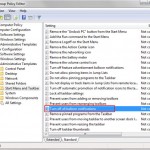
Let’s agree to the fact that these notification balloons in the Windows system tray are annoying. They distract us from the work. If you’re wondering how to disable/turn off these pop-up notification balloons, then this article is for you. If you want to disable the notification for a single application, you can do so from […]
Windows
Disable the Start Menu from Auto Arranging your Programs by Name
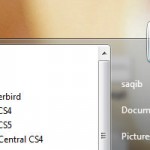
You may wish to arrange start menu by placing most used icons/programs at the top of the menu. But the problem is by default, the Start menu will automatically arrange all the installed programs in alphabetical order. Even drag and drop method won’t work with the default settings. But here’s a way to stop the […]
CPU-M Benchmark: Lightweight Benchmark Tool, Check Processor & RAM Details
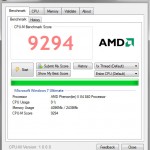
Tech savvy users know the importance of benchmarking tools. These tools helps to measure the computing power and stress handling ability of the processor. The results can then be compared with other users and this gives the user a clear idea on how does the processor is performing. Plus users also share their benchmarking results […]
Read RSS Feeds Offline with WebReader – Desktop Based RSS Reader
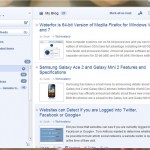
If you want to always stay ahead of others, then its a good idea to subscribe to RSS feeds of various popular blogs. That way you’ll always be the first to know about the latest news and updates from your favorite website or blog. Google Reader is an online RSS reader which is very popular. […]
Waterfox is 64-bit Version of Mozilla Firefox for Windows Vista and 7
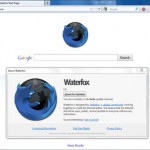
New computer systems run on 64-bit processors and you can install 64-bit edition of Windows OS to take full advantage. Installing 64-bit OS means it runs faster and processes faster. Almost all popular software provide separate versions for 32-bit (x86) and 64-bit (x64) Windows editions. But as we know, there’s no 64-bit version for Mozilla […]
Paste and Save Images from Clipboard to Windows Explorer Directly
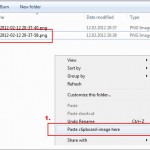
To save images from web, normally we just right click and save the image. That’s easy but sometimes flash images and some other websites have restrictions which doesn’t allow the image to be saved. In such a case, you can use the Printscreen key and then paste the image to an image editor like Paint […]